FOR BRANDS, BUSINESSES & CREATORSYour idea.
Your idea.
Your next film.
Describe the vision. Shape the scenes. Bring your commercial, campaign, or story into one studio.
Create your project Enter studio
Describe the vision. Shape the scenes. Bring your commercial, campaign, or story into one studio.
Create your projectSet the audience, mood, and message. Plan the shots that turn your next launch into a complete campaign.
Build a brand filmShape characters, dialogue, music, and optional lip sync. Plan a story around the screen and the people watching.
Explore the possibilitiesA commercial, a product launch, a short film, or something entirely your own. Start a project and tell the studio what you have in mind.
Define who it’s for, what it should feel like, and what you want the audience to do next. Your brief brings the whole production into focus.
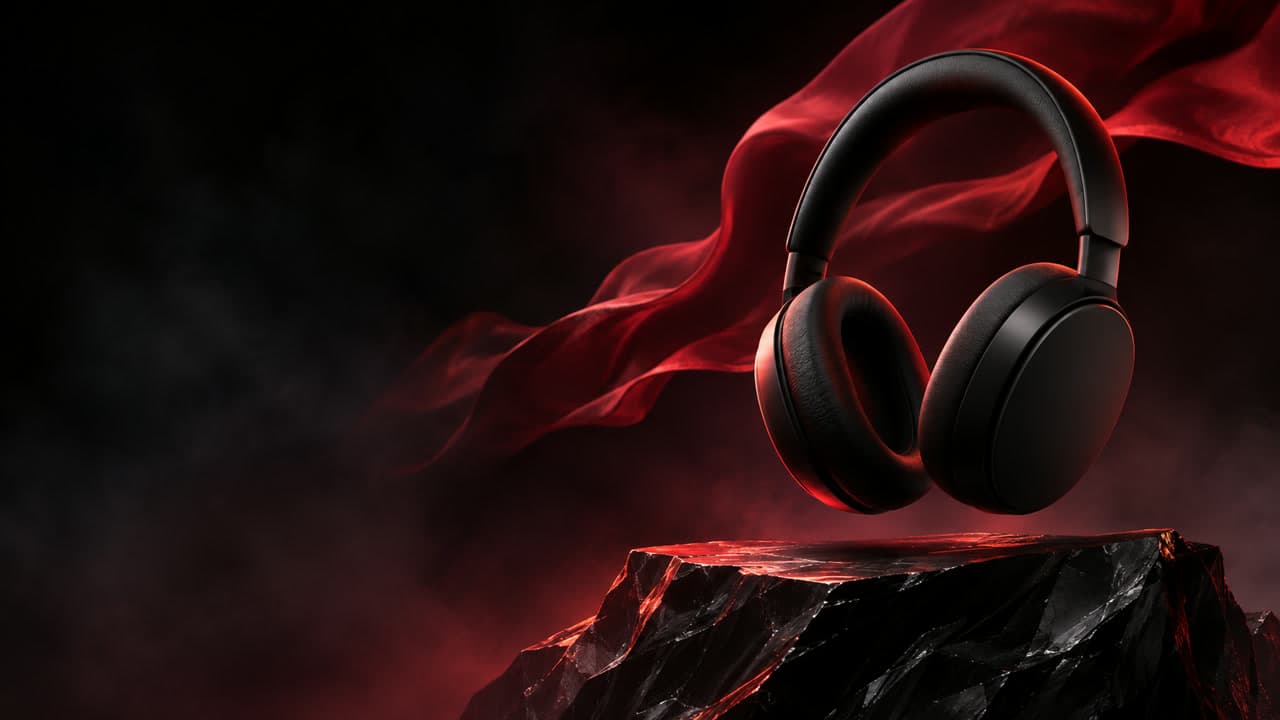
A bold product reveal. Cinematic lighting.
A confident message, made for your audience.
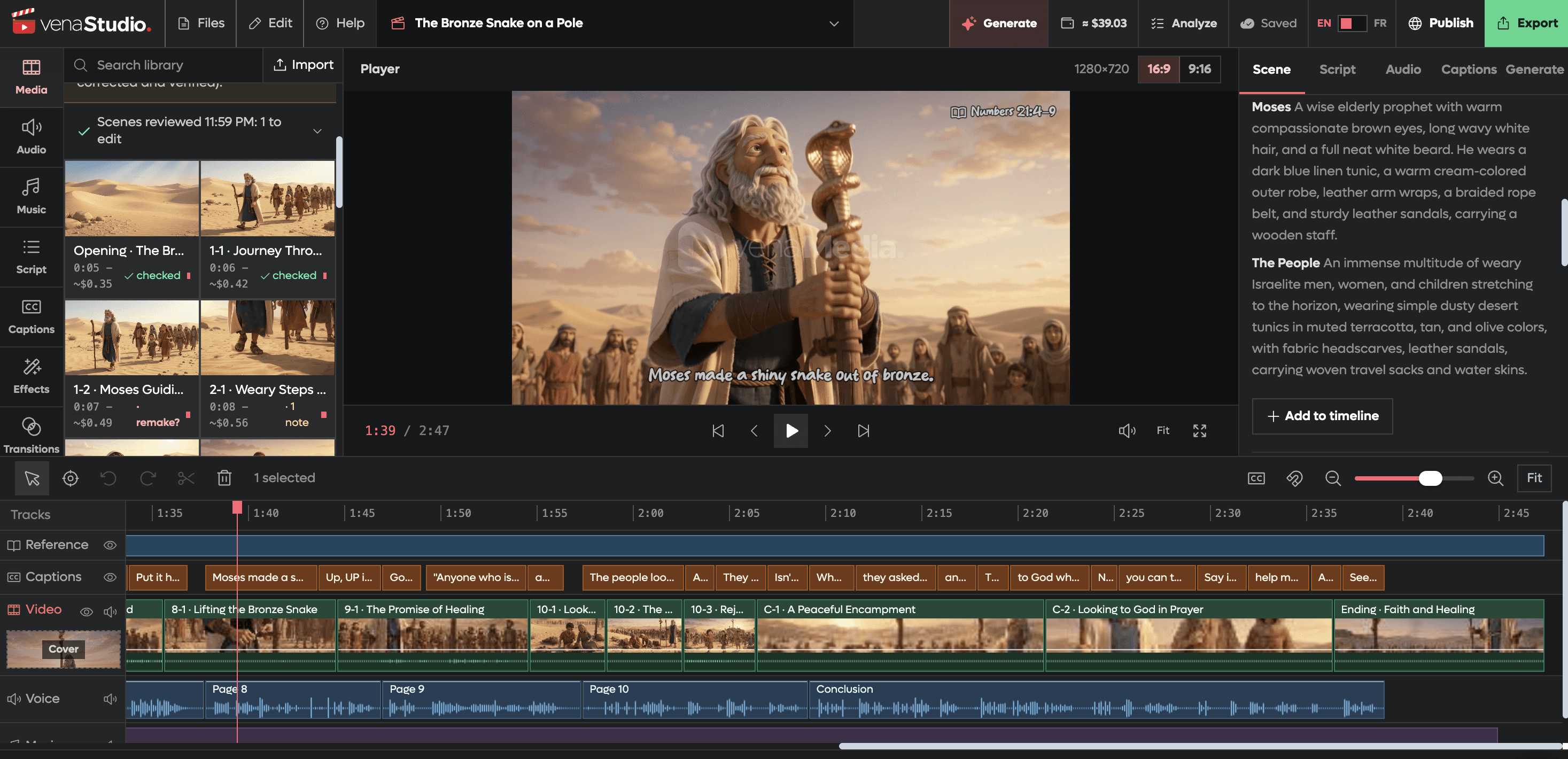
Turn the brief into an editable scene plan. Refine the visuals, write the dialogue, and choose the production settings for each part of the story.
Plan generated footage, narration, music, captions, and optional lip sync for speaking characters. Bring in external footage whenever your project needs it.
Explore the planning tools in the demo. AI video, voice generation, and lip sync will need connected services.
Shape your next scene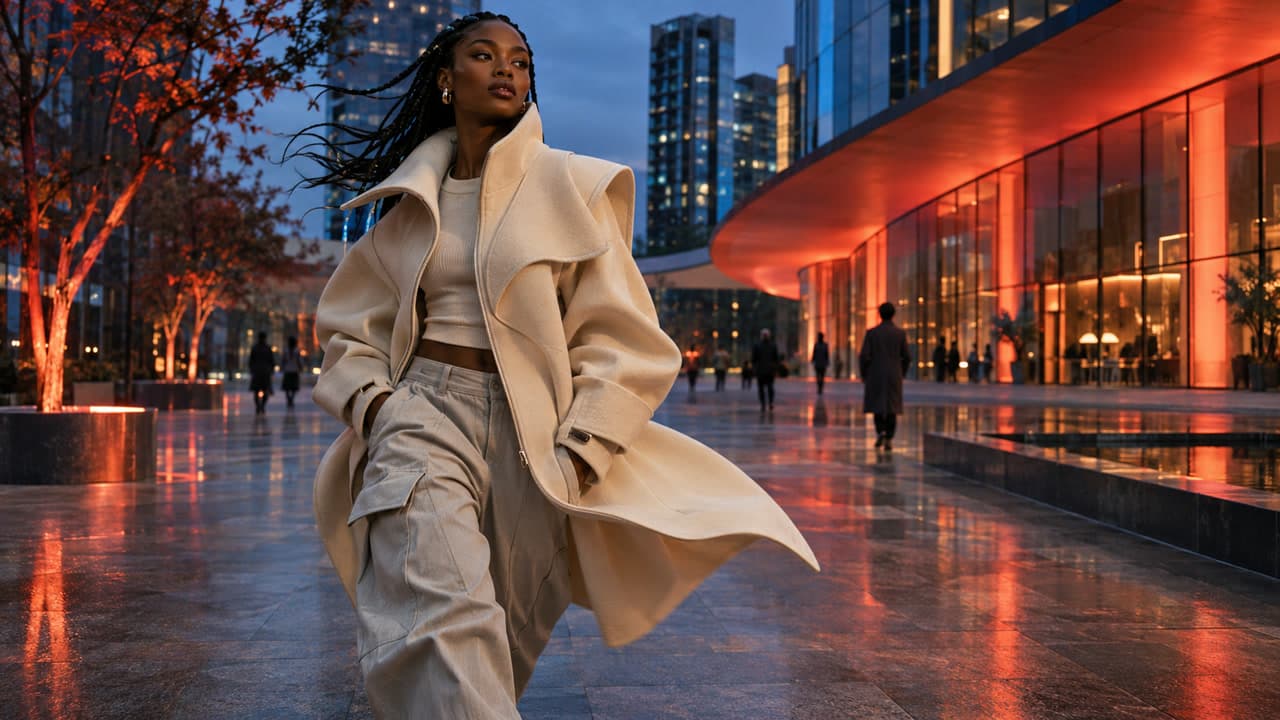
“Every detail tells your story.”
Bring your scenes, voices, music, and captions together. Trim the footage, adjust the rhythm, and preview the moments that matter.
Your projects stay within reach in the project picker. Return to an edit, add your finishing touches, and export the version that fits your screen.